
Guide
Home Assistant Curtain Track — Set Up the QL600 Matter
By The Quoya team · Last updated 19 November 2026
Short answer: The Quoya QL600 Matter smart curtain track is compatible with Home Assistant through Home Assistant's built-in Matter integration. It joins your 2.4 GHz home Wi-Fi and Home Assistant adds it like any other Matter device, with no Quoya hub or Thread border router needed. It shows up as a curtain cover you can open, close, stop, set to a position and use in any automation.
Why the QL600 Matter suits Home Assistant
Home Assistant users usually want a curtain motor that joins through Home Assistant's own integrations and behaves like a normal entity. The QL600 Matter does both through Matter.
| QL600 Matter | QL500 / QL600 Wired / QL600 Battery | |
|---|---|---|
| How it joins Home Assistant | Built-in Matter integration | Tuya integration |
| Also works with Apple Home | Yes | No |
| Also works with Alexa and Google Home | Yes | Yes |
Every QL600 version has a quiet motor under 30 dB, holds curtains up to 50 kg (110 lb), goes round bay windows with metal bend connectors and carries a 3-year warranty.
What you need
- Home Assistant with the Matter integration. On Home Assistant OS the Matter server is installed for you when you add the integration.
- The Home Assistant Companion app on your phone (iPhone or Android), with Bluetooth on.
- 2.4 GHz home Wi-Fi, with your phone, the motor and Home Assistant on the same network.
- The QL600 Matter installed and plugged in (see the installation guide).
You do not need a Thread border router. You do not need a HomePod, Echo or Nest unless you also want Apple Home, Alexa or Google Home.
Add it to Home Assistant (new setup)
- In Home Assistant, go to Settings, then Devices & services, and add the Matter integration if you have not already.
- Open the Companion app on your phone, go to Settings, then Devices & services, and choose Add device, then Add Matter device.
- Scan the Matter QR code that comes with the motor, or type the setup code under it.
- Wait while your phone hands the motor to Home Assistant and it joins your Wi-Fi. This usually takes under a minute.
- Name the device and pick the room. It appears as a curtain cover.
- Open and close it once from the dashboard to check the direction and end points.
Already in Apple Home, Alexa or Google Home?
Keep it there and share it. Matter lets one device join more than one system at once.

- In the app the motor is already in, open the device settings and find the option to turn on pairing mode or link another app. Apple Home and Google Home both have this in the device settings.
- The app gives you a new setup code.
- In the Home Assistant Companion app, choose Add Matter device, say it is already in use, and enter that code.
Both apps now control the same motor. Siri, Alexa or Google voice commands keep working, and Home Assistant runs your automations.
Automation ideas
| Automation | How to set it up |
|---|---|
| Open at sunrise, close at sunset | Use the Sun trigger with an offset that suits you |
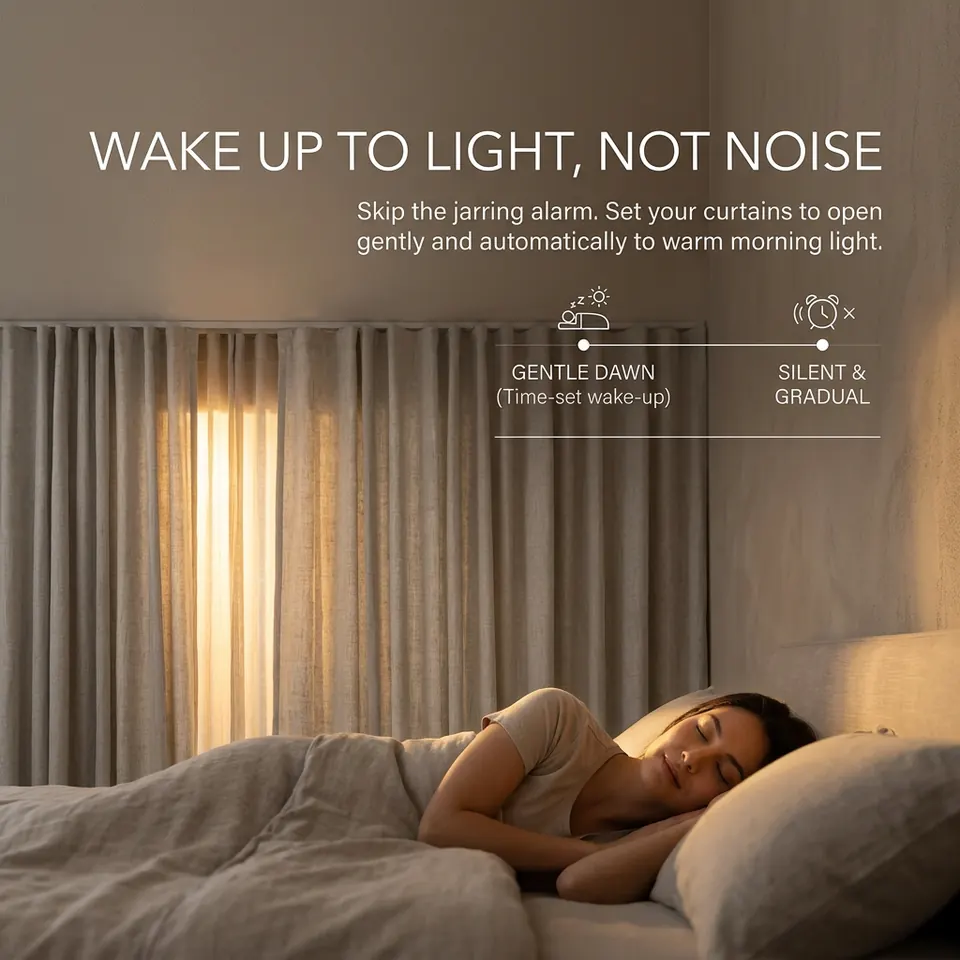
| Wake up to daylight | Open to 30% at your alarm time, then fully open 10 minutes later |
| Keep a room cool | Close when the outside temperature or sun on a window passes a set level |
| Movie mode | Close when the TV turns on after dark |
| Away from home | Open and close at normal times so the house looks lived in |
| Privacy at night | Close when the room lights turn on after sunset |
More on Matter in our Matter guide.
If it will not pair
- Check your phone is on the same 2.4 GHz Wi-Fi as Home Assistant, with Bluetooth on.
- Keep the phone close to the motor while it pairs.
- If your network uses separate VLANs, put the motor and Home Assistant on the same one. Matter also needs IPv6 to pass on your local network, which most home routers allow by default.
- If it was paired before and something went wrong, reset the motor as shown in the installation guide and start again.
Questions
- Does the Quoya curtain track work with Home Assistant?
- Yes. The QL600 Matter is compatible with Home Assistant through Home Assistant's built-in Matter integration. You add it like any other Matter device. There is no separate Quoya add-on to install.
- Do I need a HomePod, Echo or Nest hub to use it with Home Assistant?
- No. Home Assistant acts as the Matter controller itself, so the QL600 Matter can join Home Assistant on its own. You only need a HomePod, Echo or Nest if you also want Apple Home, Alexa or Google Home.
- Do I need a Thread border router?
- No. The QL600 Matter uses Matter over Wi-Fi, not Thread. It joins your 2.4 GHz home Wi-Fi, the same network as your Home Assistant server.
- Can I use it in Apple Home and Home Assistant at the same time?
- Yes. Matter lets one device join more than one system. Pair it with Apple Home, Alexa or Google Home first, then share it to Home Assistant from that app's pairing or linked-services option.
- What can Home Assistant control?
- The motor shows up as a curtain cover. You can open, close, stop and set a position, and use it in automations, scenes and dashboards like any other device.
- Do the standard QL500 and QL600 work with Home Assistant?
- They connect through Home Assistant's Tuya integration, using your Smart Life account. If Home Assistant is the centre of your smart home, the QL600 Matter is the better choice because it joins through Home Assistant's built-in Matter integration.
New to Matter? Start with our Matter guide.